SEI-USB Product Description
CE Marking: Starting July 22nd, 2014, some US Digital products will contain the CE Marking. The SEI-USB will not contain a CE Marking and will not be available for shipping to CE Mark required countries (for example, all countries within the European Union (EU)) after July 10th, 2014. See the Product Change Notification PCN 4464 for more information, or contact a US Digital representative at sales@usdigital.com .
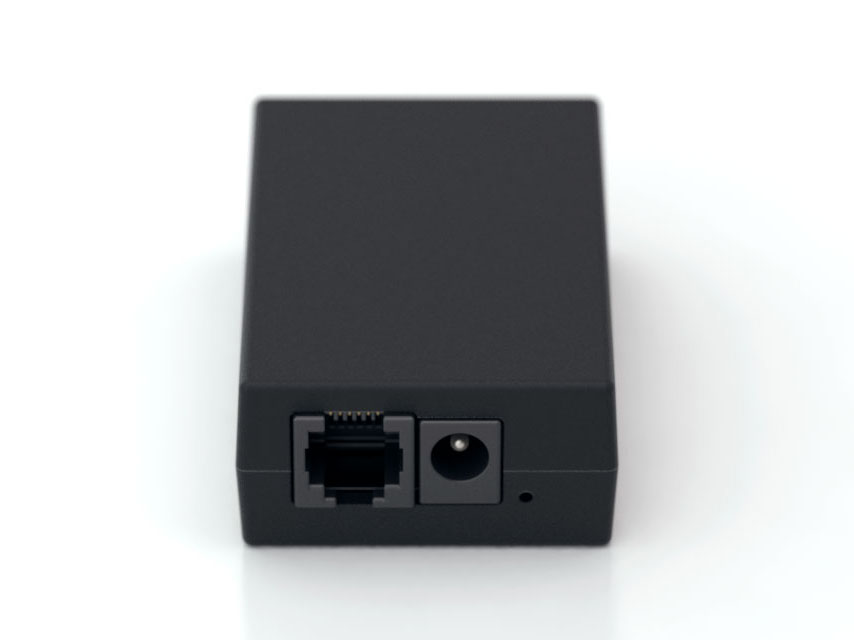
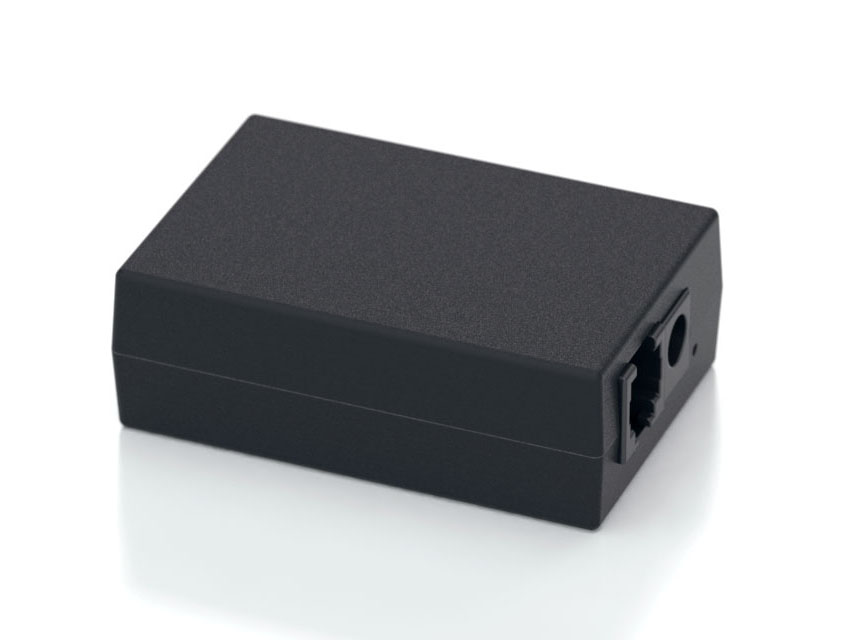
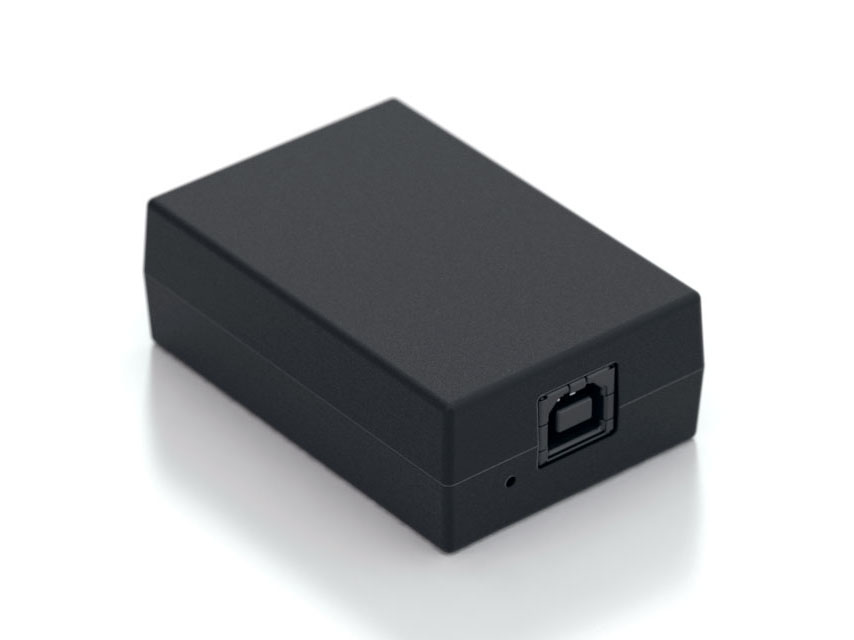
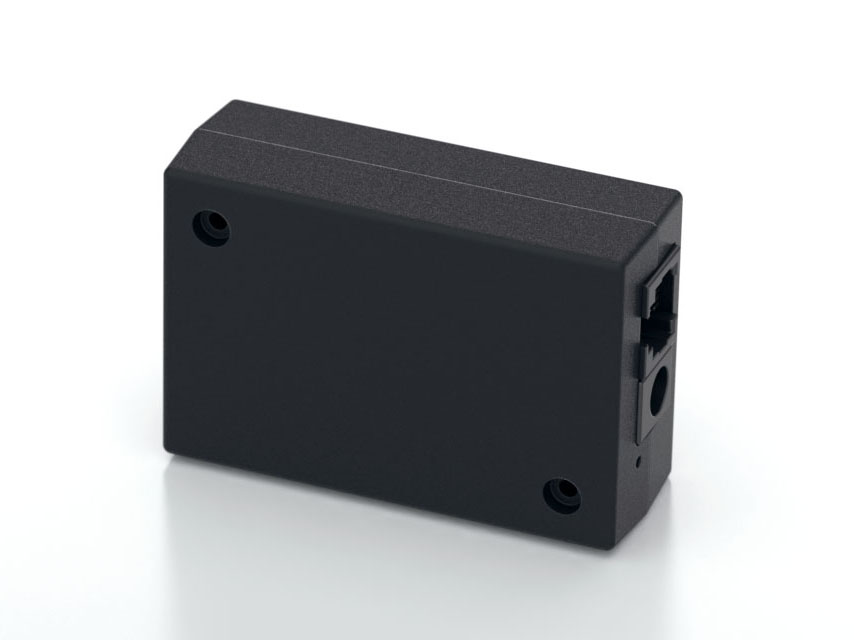
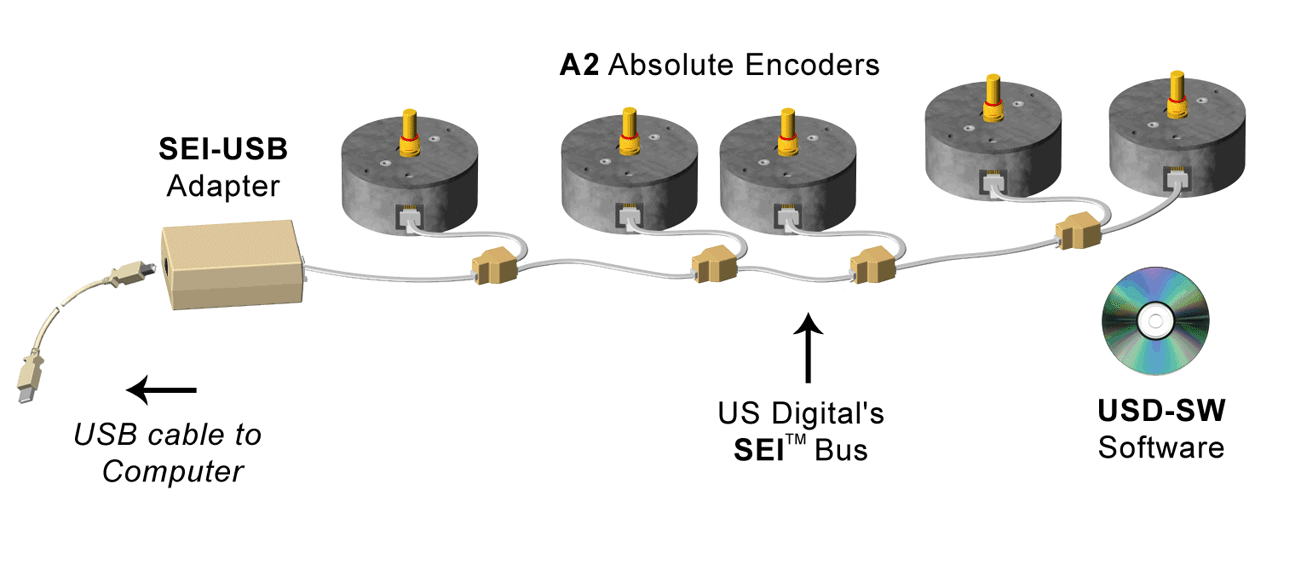
The SEI-USB is an interface module that connects US Digital's SEI compatible devices to a standard USB 1.1 / 2.0 port.
The SEI (Serial Encoder Interface) bus is a network that connects up to 15 addressable SEI devices using a single 6-wire telephone-type cable up to 1000 feet long. The SEI bus uses two differential signaling pairs, one for busy flow control and the other for bi-directional serial data.
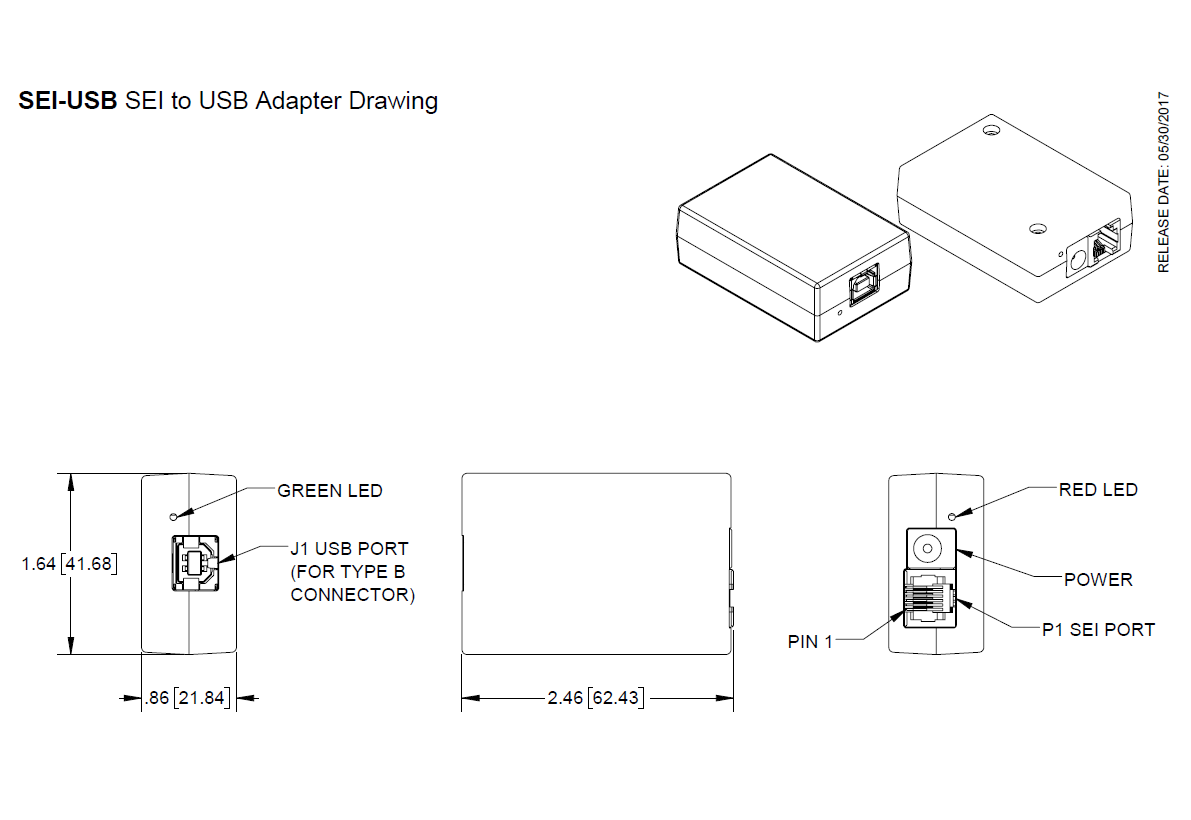
The SEI-USB will supply power from the USB port to several SEI devices on the bus (for example, five A2 encoders at a distance of 250 feet). The SEI-USB limits the power to the maximum design spec of the USB port. A red LED next to the SEI connector will be lit when additional power is required, and you should then use the included PS-12 power supply. A green LED next to the USB connector is lit when the USB connection is established with the host.
Product Specifications
ENVIRONMENTAL
PARAMETER
MIN.
TYP.
MAX.
UNITS
Operating Temperature
0
70
C
Electrostatic Discharge, USB pins
± 15
kV
ELECTRICAL
PARAMETER
MIN.
TYP.
MAX.
UNITS
PORT / PIN
NOTES
External Supply Voltage (optional)
8.5
12
16.0
V
J3
The external supply is used when the USB port power (J1) is not adequate to provide sufficient power when a large number of SEI devices are connected to the SEI-USB .
External Supply Current (optional)
-
-
1500
mA
J3
-
SEI-USB PWR Pin Voltage
8.0
9.5
10.5
V
P1 / 4
Generated by the SEI-USB using the USB port power (J1). Assumes that the USB PWR pin is not in a current limit mode as indicated by the red power-fault LED.
SEI-USB PWR Pin Current
-
-
120
mA
P1 / 4
Adequate to directly power five A2 encoders at a distance of 250 feet.
USB Port PWR Current, No Devices
<0.5
17
20
mA
J1 / 1
SEI-USB device load only, no devices attached.
USB Port PWR Current, 5 A2 Devices
-
275
480
mA
-
With 5 A2 devices attached.
Differential SEI Output Voltage
2.0
3.2
5.0
V
P1 / 5, 6
-
Differential SEI Input Voltage
0.2
-
5.0
V
P1 / 2, 3 and P1 / 5, 6
-
Common-mode SEI Output Voltage
2.0
2.5
3.0
V
P1 / 5, 6
-
Common-mode SEI Input Voltage
-4.5
-
3.0
V
P1 / 2, 3 and P1 / 5, 6
-
SEI Input Current (In=0-5V)
-15
-
15
mA
P1 / 2, 3 and P1 / 5, 6
TIMING
PARAMETER
MIN.
TYP.
MAX.
UNITS
PORT / PIN
NOTES
Data Rate
1.2
-
115.2
kBaud
P1 / 5, 6
Virtual COM port speed.
Data Latency : The USB data latency timer is preset to a default value of 16ms by the driver manufacturer. This means that data could be sitting in the FIFO buffer up to 16ms before it is forced to transmit. If Windows is allowed to search the internet for the device drivers when the "Found New Hardware" wizard is displayed, then the latency timer will be set to 16ms. The latency timer can be set to a minimum of 1ms using USBSpeedBoost software found on the US Digital website.
PIN-OUTS
SEI Port (P1)
PIN
NAME
DESCRIPTION
1
GND
Ground, common for power, data and busy pairs
2
Busy+
Differential input line, active high, has 330 Ω pull down
3
Busy-
Differential input line, active low, has 330 Ω pull up
4
PWR
Power supply output to encoder bus (USB or external)
5
Data L
Bidirectional differential data line, has 330 Ω pull up
6
Data H
Bidirectional differential data line, has 330 Ω pull down
PRODUCT CHANGE NOTIFICATIONS
Title
Date
Description
Download
PCN 1011
9/21/2011
The AD2B, AD4B, AD7, EADAPT, EDAC2, EDIVIDE, EPOT, EQUAD, ESUM, ESWITCH, ETACH2, SEI-USB, USB-232 currently utilizes a printed thermal transfer label. This label will no longer be used and will be replaced by laser marking directly onto the housing of the product. The purpose for this change is to create a more durable solution, and eliminate the possibility of the label being inadvertently removed from the housing.
Download
PCN 4464 - CE - RoHS
6/30/2014
US Digital is aware of the increasing attention to world-wide environmental regulations, specifically with regard to the need for hazardous substance restrictions in electronic components and systems. As of July 10th, 2014 US Digital will now be CE Marking certain products inline with compliance under RoHS Directive (2011/65/EU). In order to achieve RoHS Compliance, the products will not contain more than the acceptable levels of the listed restricted substances within the RoHS 2011/65/EU directive.
Part Numbers Affected:
ED3
USB4
QSB
SEI-USB
MD2S
PS-5, PS-12, PS-24, PS-48 (Power Supplies)
PE
For the part numbers listed above, US Digital cannot confirm that they meet Low-Voltage and EMC Directives and for that reason US Digital cannot support shipping those products / product families into the CE required countries (For Example countries in the EU). Those products can still be shipped to Non-CE required countries with a Statement of Material Conformance to the RoHS Directive 2011/65/EU, in place of a RoHS Compliance Declaration.
Download
PCN 5514
10/7/2015
US Digital is changing the case color and label type of the SEI-USB. This change does not affect form, fit or function.
Download
Additional Information
Product Notes
US Digital® warrants its products against defects in materials and workmanship for two years. See complete warranty for details.
Software
Related
Datasheet
Feedback
US Digital's mission is a commitment to quality and constant improvement. If you find an error to a product on this page, please let us know !
Save Your Configuration
Easily keep track of your custom part numbers
What is this feature?
While configuring your encoder, you can save your custom part number at any stage. This helps you keep track of multiple configurations without needing to start over or write anything down.
How does it work?
Click “Add This Configuration to Your List” after selecting your options.
Your saved part number will appear in a mini list below the configurator.
The list is stored locally in your browser and persists across product pages.
Enter a quantity to view default pricing.
What can you do with saved configurations?
When you're ready, visit the Saved Configurations List page to:
Review all saved part numbers
Fill out a form to send your selections to US Digital Customer Service
Receive follow-up to complete your order or get support
Why use it?
Save time by avoiding repeated configurations
Compare multiple part numbers side-by-side
Simplify communication with our support team
Got it!